OpenRouter hosts hundreds of models, many of them free. Beyond the well-known ones like Llama and Gemma, there are anonymous models like Pony Alpha and Healer Alpha that keep popping up, often surprisingly good.
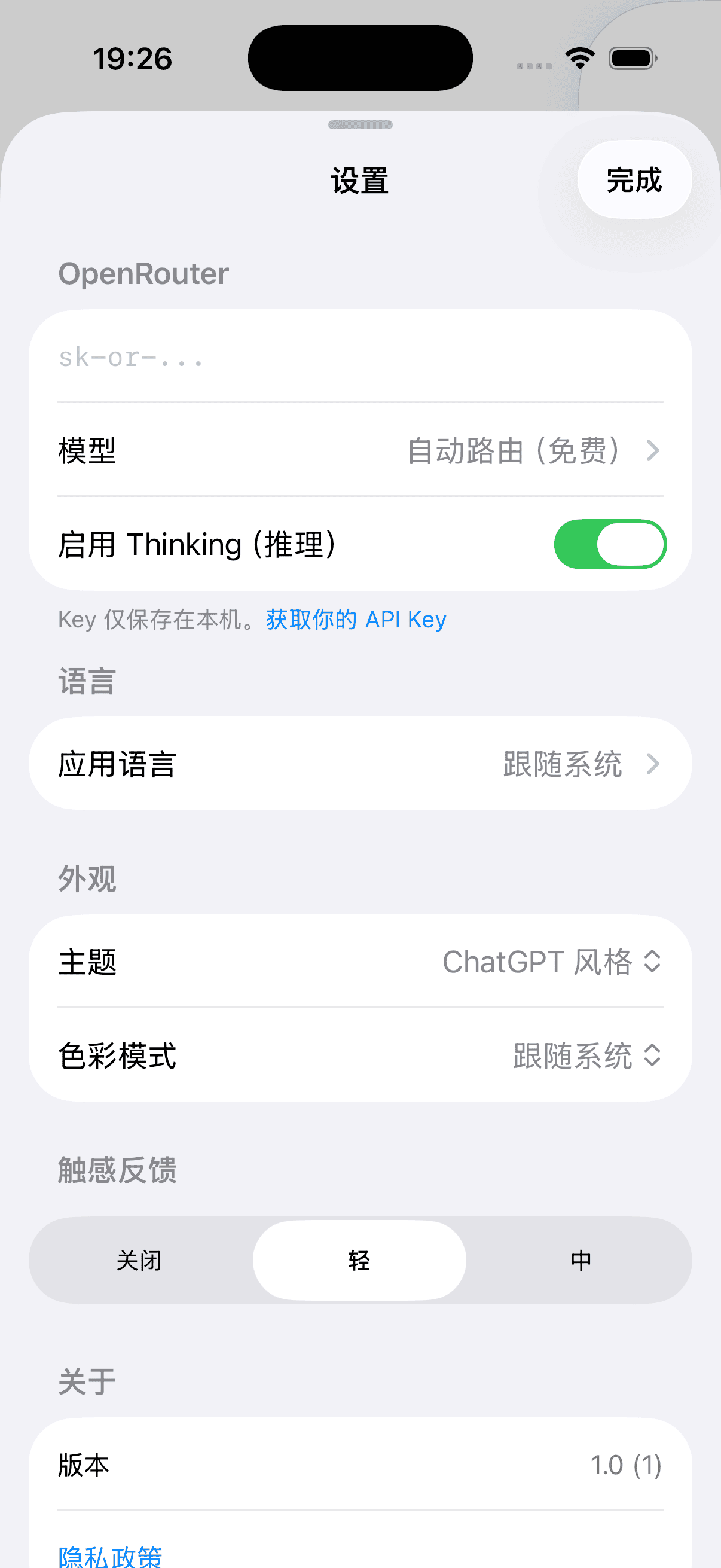
The problem is OpenRouter doesn't have an official app. The web interface works, but it's rough on a phone. I wanted to switch models and try new ones on my iPhone without friction, so I built one.
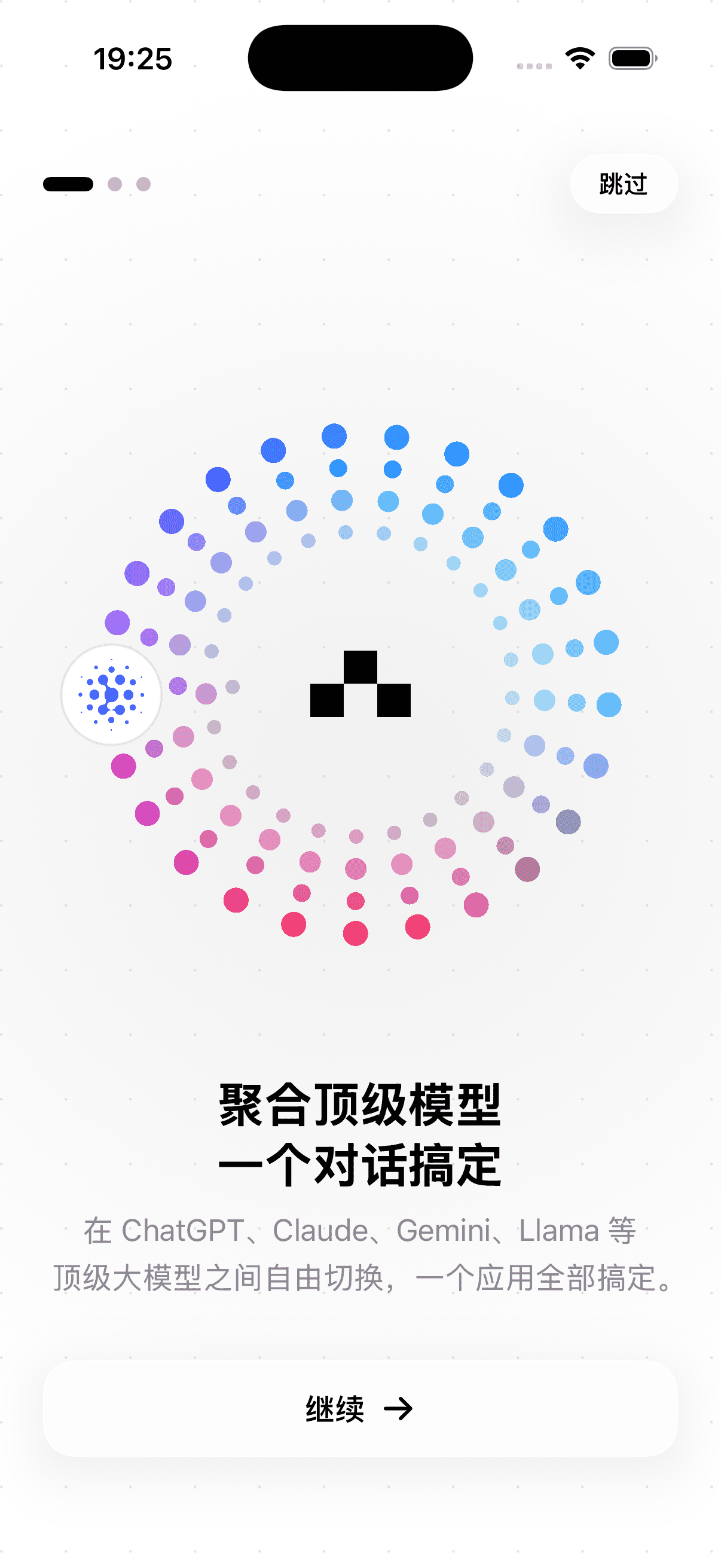
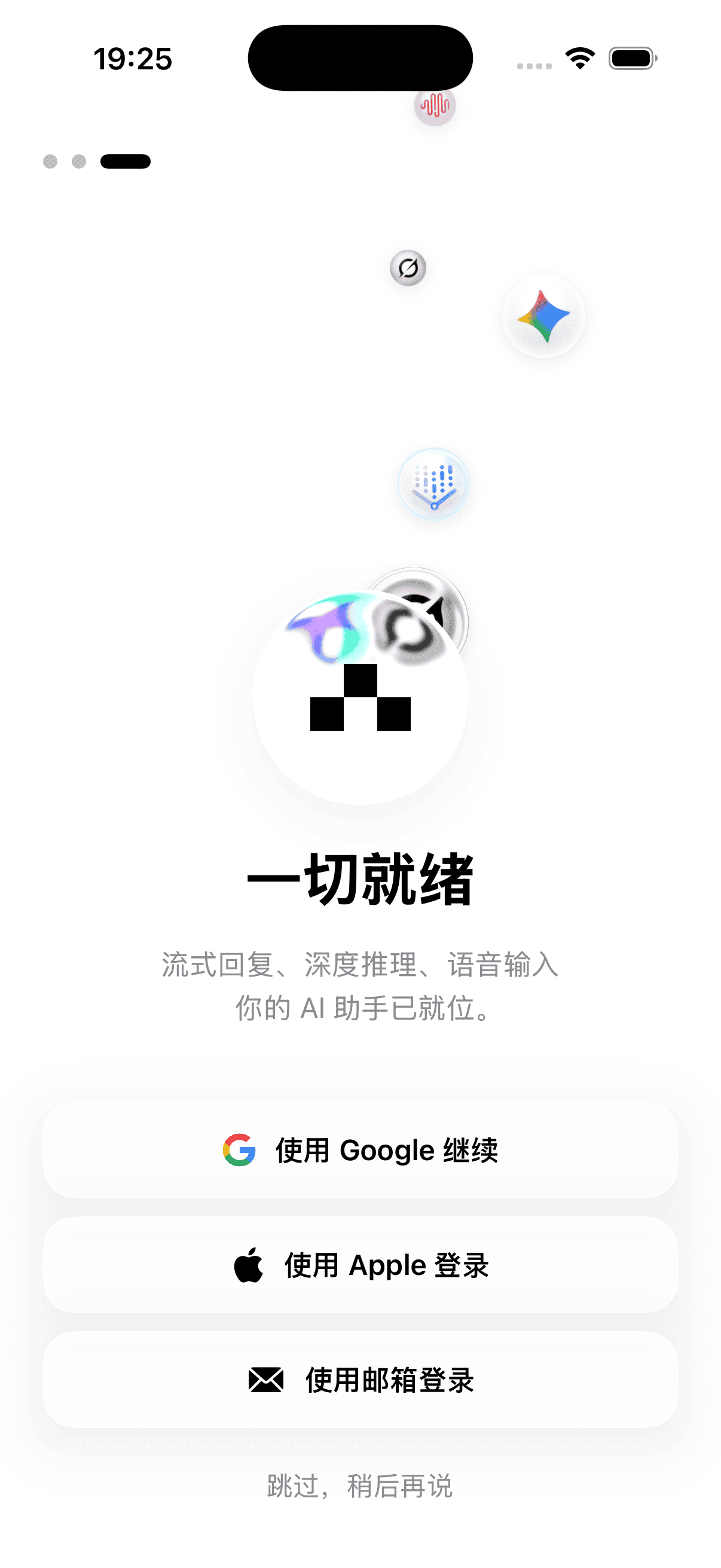
Why native
Most AI chat apps on iOS are web views in a native wrapper. You can feel it: the lag, the generic animations.
Route AI is pure SwiftUI, no web views. Streaming responses, model switching, voice input — every interaction is native.
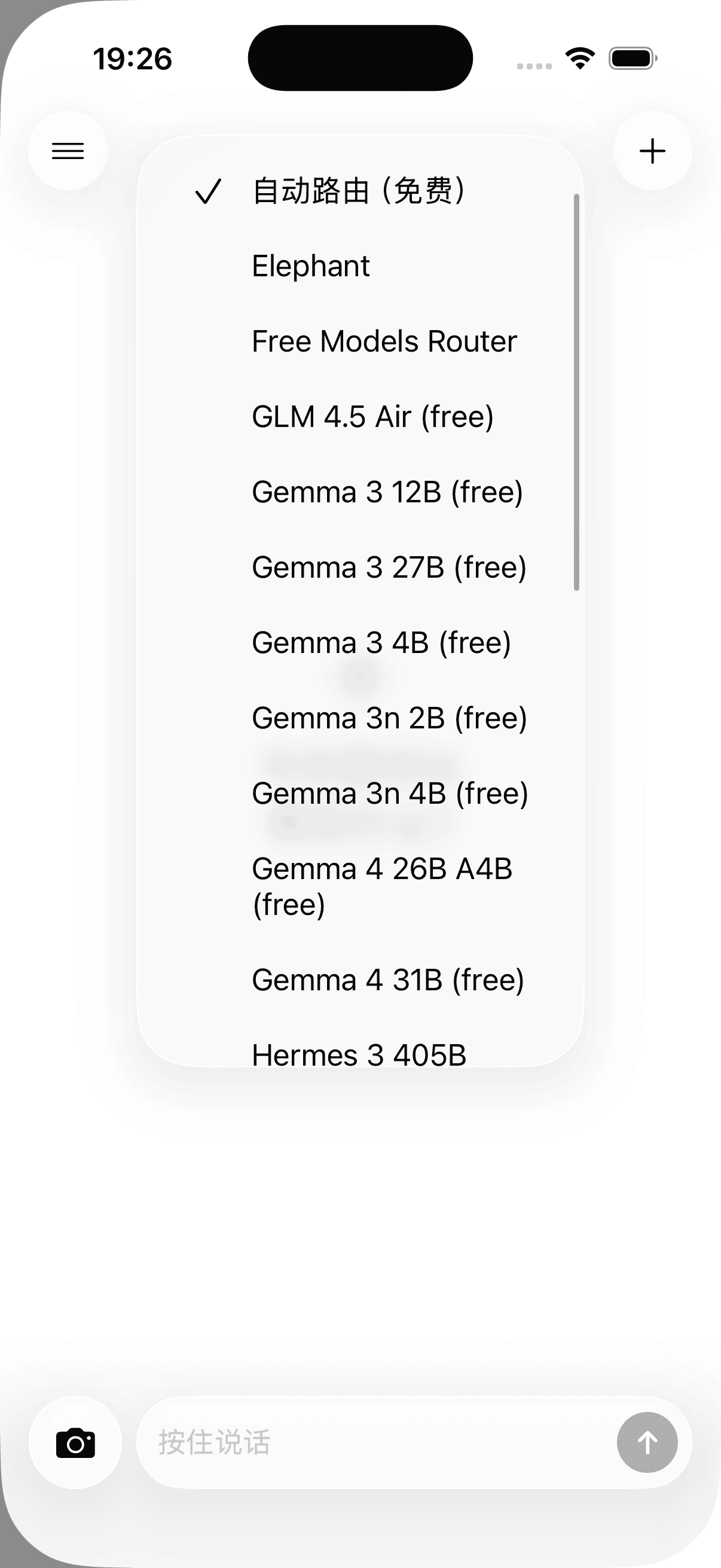
Free models on tap
OpenRouter's free model list updates constantly. Someone releases a new open-source model, it shows up on OpenRouter a few days later, and you can switch to it in Route AI right away.
This is how I use it most: free models for everyday chat when I don't want to spend money, then Claude or GPT-4 when I hit something hard.
Voice and interaction details
Voice-to-text is built in. Just speak and send. Much faster than typing on a phone, especially while walking.
Spent a lot of time on interaction details in the chat UI. Streaming text flows out token by token instead of appearing in chunks. Scrolling in long conversations, context management — all polished.
Cloud sync
Supabase handles auth and conversation sync. Chat on your iPhone, continue on your iPad. Supports English and Chinese.
Coming to the App Store.